Quick Answer: To play Wingspan online with friends, everyone needs their own copy of the digital version developed by Monster Couch — available on Steam, iOS, and Android. iOS and Android players can play together, but Steam runs on its own separate network. Async (turn-based) mode is the standout feature: players take turns whenever they’re free, and the game notifies you when it’s your move.
Getting a group together for Wingspan online is genuinely one of the better digital board game experiences out there. The app is polished, async mode makes scheduling trivial, and the game itself — Elizabeth Hargrave’s bird-collecting engine builder, winner of the 2019 Kennerspiel des Jahres — holds up beautifully on a screen. If you’re trying to figure out how to play Wingspan online with friends, here’s everything you need.
How to Play Wingspan Online With Friends: What You Need
Every player needs their own copy of Wingspan Digital (developed by Monster Couch). There’s no free version — it’s a paid app on every platform. Once you own it, online multiplayer is included at no extra cost. If you haven’t played the physical game and want to try before you buy, picking up the physical edition first is a solid way to learn the rules at your own pace.
Platforms at a Glance
| Platform | Online Multiplayer | Cross-Play | Cost (approx.) |
|---|---|---|---|
| Steam (PC/Mac) | ✅ Full | Steam only | ~$20 |
| iOS (App Store) | ✅ Full | iOS ↔ Android | ~$10 |
| Android (Google Play) | ✅ Full | iOS ↔ Android | ~$10 |
| Nintendo Switch | ⚠️ Limited | None | ~$20 |
The Switch version is fine for couch play but not what you want for online friend groups. Stick to Steam or mobile.
Platform Breakdown: Where to Play Wingspan Online
Steam (PC and Mac)
Steam is the most feature-complete version — best UI, most reliable performance, full async and real-time multiplayer. If your group is mostly PC gamers, this is the easy call.
iOS and Android
These are genuinely good ports, not afterthoughts. iOS and Android players can play in the same game together, which is a nice touch. Half your group on iPhone, half on Android? You’re covered.
Nintendo Switch
Online multiplayer on Switch is limited and inconsistent. Only recommend it if someone specifically wants to play on their TV. For online play with friends, it’s not the right tool.
Cross-Platform Multiplayer: Who Can Play With Whom
- iOS + Android: Fully cross-platform with each other
- Steam + Mobile: Not cross-platform (as of writing — check current patch notes, this has shifted before)
- Switch + anything: No cross-play
One thing worth knowing about expansions: you don’t all need to own the same DLC. The host’s expansions determine what content appears in the game. Verify this with current patch notes, but it’s been the consistent behavior for a while.
How to Set Up an Online Game in Wingspan Digital
Creating or Joining a Game on Steam
- Launch Wingspan and select Multiplayer from the main menu
- Choose Create Game and set your preferences — player count, expansions, async or real-time
- Share your game code or invite friends directly via your Steam friend list
- Friends select Join Game and enter the code
Setting Up Multiplayer on iOS and Android
Nearly identical on mobile. You’ll need a free Wingspan account to access online multiplayer. Once you’re logged in:
- Tap Multiplayer → Create Game
- Set your options and share the invite code
- Friends log in and join via the code
Real-Time vs. Async: Which Should Your Group Choose?
Real-time works great if everyone can be online at the same time. A full game with experienced players runs 45–75 minutes — very manageable for a scheduled session.
Async is better for most friend groups, honestly. It removes all scheduling friction, and it’s especially good when you have newer players who want time to read card text without feeling rushed. I’d default to async for any group that includes at least one person who hasn’t played before.
In async mode, you get a push notification when it’s your turn. You make your moves — usually 2–5 minutes — then the next player gets notified. A full game can unfold over a few hours or stretch across a couple of days. Make sure push notifications are enabled on mobile, or you’ll be the one keeping everyone waiting.
Wingspan Rules: Everything You Need to Know
The Goal
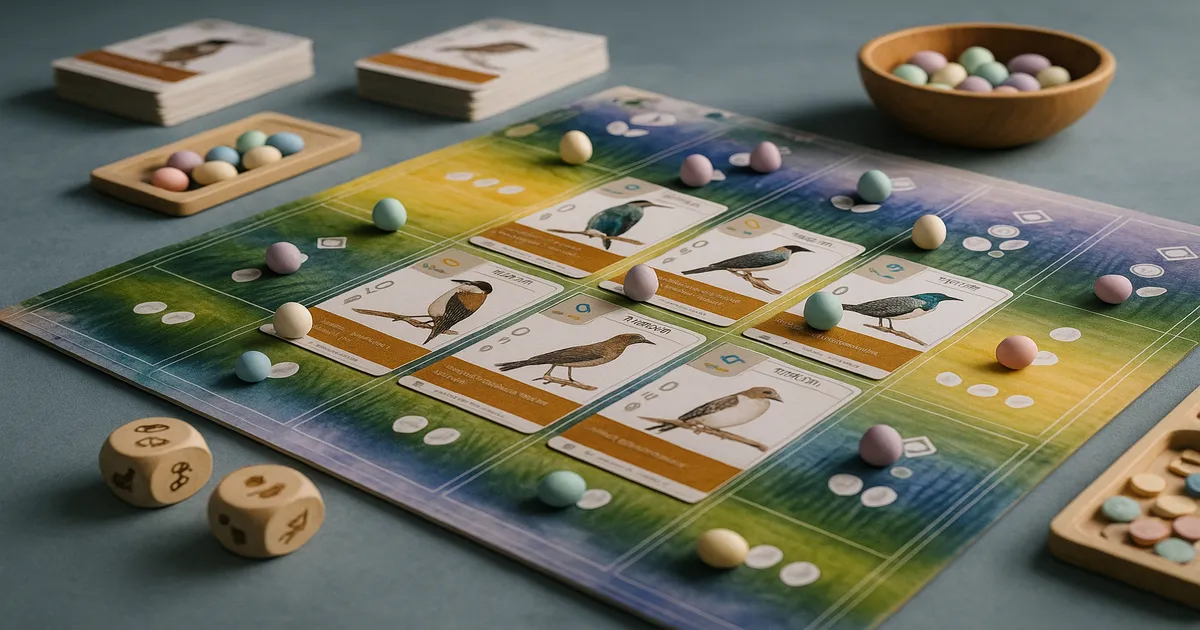
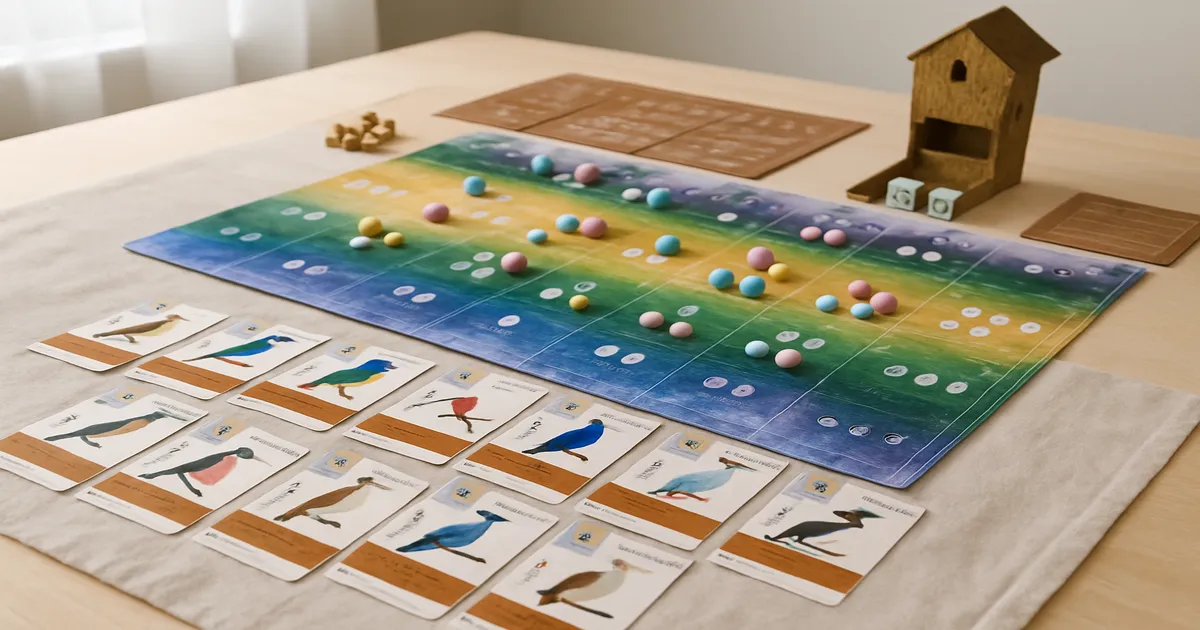
You’re building a wildlife preserve by attracting birds to three habitats. After four rounds, whoever has the most points wins. Points come from birds played, eggs, bonus cards, round-end goals, and resources cached on certain bird cards.
Your Player Board: Three Habitats
Each player has a 3×5 grid:
- Forest: Focused on gaining food tokens
- Grassland: Focused on laying eggs
- Wetland: Focused on drawing bird cards
Birds go into the row matching their habitat icons on the card.
Your Four Possible Actions
Each turn, you take exactly one:
- Play a bird — pay its food and egg costs, place it in the matching habitat
- Gain food — draft dice from the birdfeeder; triggers forest bird powers
- Lay eggs — place eggs on your birds; triggers grassland bird powers
- Draw bird cards — take from the deck or face-up display; triggers wetland bird powers
How the Engine-Building Works
This is the part new players most often miss. When you take a habitat action, every bird already in that row activates — right to left. Early on, your rows are empty and actions feel weak. By round three or four, a single action can chain through five birds and generate a cascade of food, eggs, and cards. That compounding power is the whole game.
Round Structure and Scoring
Four rounds with decreasing actions: 8, 7, 6, 5 (26 total). At the end of each round, players score the shared round-end goal tile on a descending track (5-4-3-2-1 points).
Final scoring: bird card points + bonus card objectives + round-end goal points + eggs on birds (1 each) + cached food + tucked cards. Highest total wins.
Bird Card Powers: The Color-Coded System
White — triggered when played. Fires once when you place the bird. After that, nothing. Don’t expect them to keep contributing.
Brown — triggered when activated. This is the engine. These fire every time you take the matching habitat action. A brown-power bird in a full row generates enormous value over multiple rounds. This is where most of your strategic attention should go.
Pink — once per round or ongoing. Undervalued by new players, and that’s a mistake. They provide consistent, reliable benefits — often once per round for any player, or as passive effects. Birds like the Northern Mockingbird, which copies another bird’s power, can be quietly devastating.
Teal — end-of-game scoring. These score points based on conditions you’ve built toward — things like “one point per bird with a wingspan over 65cm.” Set-collection payoffs that reward playing consistently toward a theme.
The digital version’s tooltips make tracking all of this much easier than shuffling through physical cards.
Common Mistakes New Players Make
Forgetting row powers. If you’re taking habitat actions and not understanding what your brown-power birds are doing, you’re playing a much weaker game than you think. The digital version automates activations, but knowing why things are happening matters for planning.
Misreading brown vs. white powers. White powers look appealing — free stuff when you play a bird! But they don’t scale. Brown powers compound. When choosing between two birds of similar cost, the one with a strong brown power almost always wins.
Ignoring round-end goals. New players tunnel-vision on their own engine and forget there’s a shared scoring goal being contested every round. Even second place on a goal tile is worth points.
Hoarding bird cards. Drawing cards feels productive. It usually isn’t. A full game only has room for roughly 15–17 birds. Every turn you spend drawing instead of playing or laying eggs is a turn your engine isn’t growing.
Digital-specific: Skip the tutorial and you’ll regret it — it covers edge cases the rulebook glosses over. Also, slow async responses frustrate your whole group, so keep notifications on.
Wingspan Expansions Available Online
European Expansion: Start Here
Adds 81 new birds and introduces pink “once between turns” powers — abilities that fire on other players’ turns. It’s the cleanest first expansion and integrates seamlessly with the base game.
Oceania Expansion: The Fan Favourite
Adds a new food type (nectar) and redesigned player mats with more flexibility. Most players who’ve tried all three rank Oceania as the best. If you’re only getting one, this is a strong argument.
Asia Expansion: Best for Two-Player Games
Adds a dedicated two-player dueling mode with its own rules and feel. If most of your online play is one-on-one, this one’s especially worth it. (Wingspan Asia Expansion)
Remember: the host’s DLC determines what content appears in the game, so you don’t all need to own the same expansions to play together.
Frequently Asked Questions
Is Wingspan free to play online with friends?
No. Wingspan Digital is a paid app — roughly $10 on mobile and $20 on Steam. Once you own it, online multiplayer is included with no subscription or extra fees.
Does Wingspan have cross-platform play between PC and mobile?
iOS and Android players can play together. Steam operates separately and doesn’t currently support cross-play with mobile. If your group is split between PC and mobile, coordinate which platform everyone buys on before anyone spends money.
How long does an online game of Wingspan take?
Real-time with experienced players: 45–75 minutes. Add time for newer players. Async games typically wrap up within 24–48 hours for active groups, though they can stretch longer if someone goes quiet.
Can you play Wingspan online with just two players?
Yes, and it works well. The game scales cleanly to two. Pick up the Asia expansion and you also get a dedicated two-player dueling mode that some people actually prefer over the standard game at that count.
How does async mode work?
Each player takes their turn on their own schedule. You get a push notification when it’s your move, make your decisions, end your turn, and the next player gets notified. The game saves automatically between turns — no pressure to be online at the same time as anyone else.