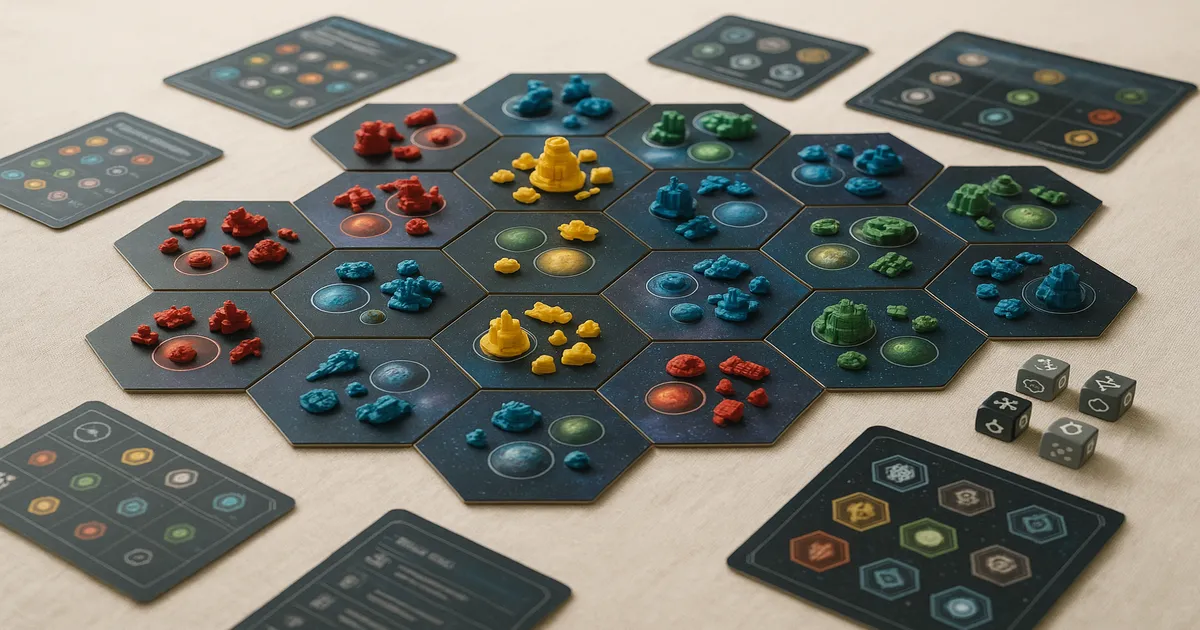
Quick Answer: Gaia Project is a 1–4 player heavy strategy game (BGG weight 4.3/5) where alien factions compete to colonize a modular galaxy map over 6 rounds, scoring points through expansion, structure upgrades, research, and federations. It plays in 60–150 minutes and rewards long-term planning over reactive play. Expect a steep learning curve — but this guide will get you to the table faster.
If you’ve heard that learning how to play Gaia Project is a serious undertaking, that’s not wrong. Designed by Jens Drögemüller and Helge Ostertag — the same pair behind Terra Mystica — and published by Feuerland Spiele in 2017, it sits comfortably in the BGG top 20 and consistently ranks #1 or #2 in the Strategy category. That reputation is earned. This is not a game you crack open on a casual Friday night without prep. But put in the time and you’ll find one of the most rewarding strategy games ever made.
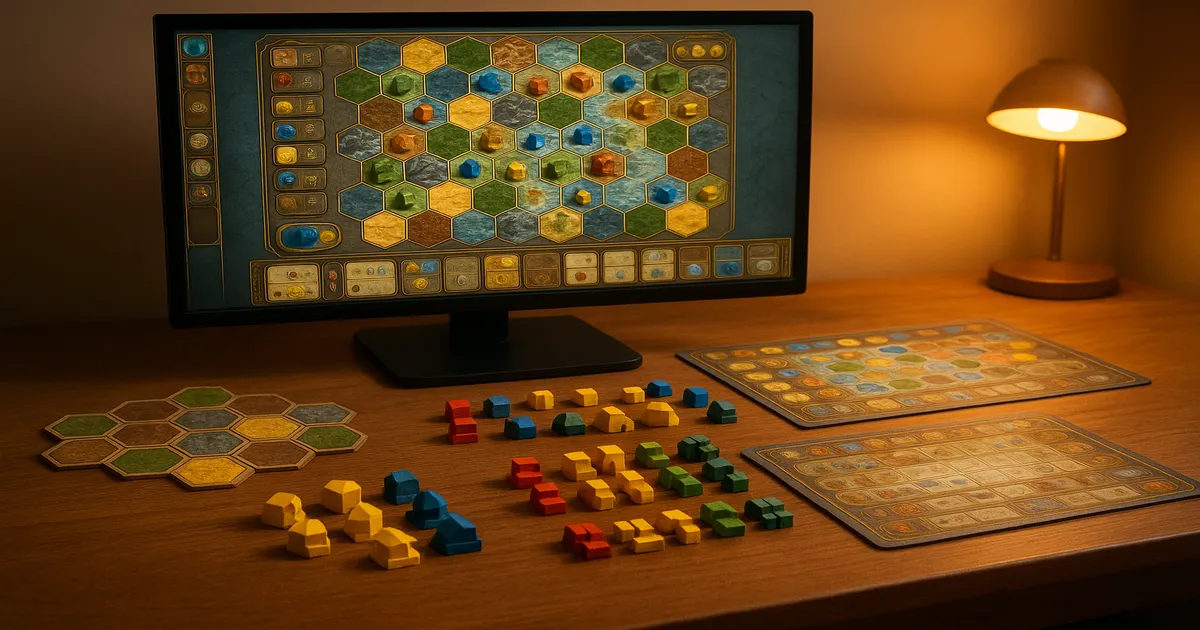
What’s in the Box and How to Set Up Gaia Project
Full Component List
The box is dense. Here’s what you’re working with:
- 10 double-sided hexagonal sector tiles (the galaxy map)
- 14 faction boards (one per alien race)
- 1 large shared research board
- Wooden structures in 4 player colors: Mines, Trading Stations, Research Labs, Planetary Institutes, Academies, Gaiaformers, Satellites
- Power tokens (wooden discs) in player colors
- Resource tokens: ore, credits, knowledge, QIC (Quantum Intelligence Cubes)
- Round Scoring tiles, Final Scoring tiles, Round Booster tiles
- Federation tokens, scoring track, player markers
- Automa deck (for solo play)
Component quality is genuinely good — thick tiles, solid wooden pieces. The faction boards are text-heavy and the iconography is dense. Keep the rulebook’s icon glossary open for your first two games; you’ll be flipping to it constantly.
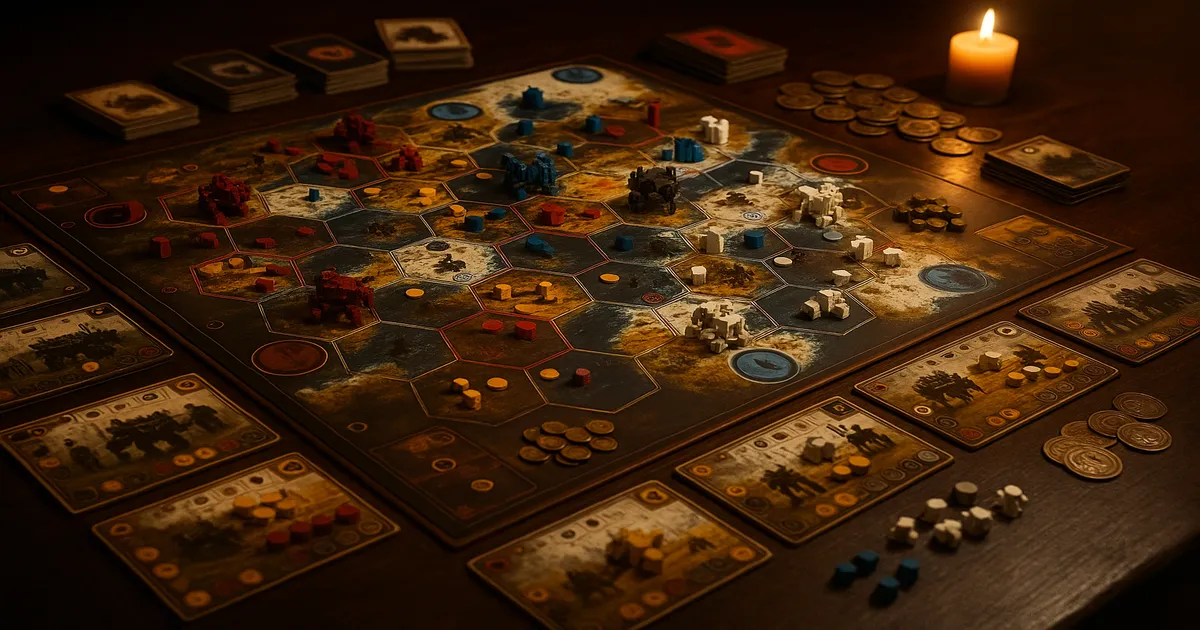
Assembling the Modular Galaxy Map
The number of sector tiles you use depends on player count — fewer players means a tighter map. The rulebook includes recommended layouts, and I’d strongly suggest sticking to those for your first several games. The table footprint is large; a full dining table is the minimum. Don’t try to squeeze this onto a coffee table.
Choosing Factions and Distributing Starting Resources
Each faction has a home planet type and unique abilities. Before anyone picks, lay out the Final Scoring tiles face-up. This is non-negotiable. Those two tiles will determine which strategies are worth pursuing, and faction selection should happen with that information visible to everyone.
Starting resources vary by faction and are printed on each faction board. Follow them exactly — it’s easy to miss a starting QIC or power token.
Setting Up the Research Board and Round Tiles
Shuffle and place one Round Scoring tile per round slot (face-up). Place Round Booster tiles equal to the number of players plus three. Set all players at Level 0 on each of the six research tracks. Budget 20–30 minutes for your first setup — this is where most new groups spend the most time.
How a Round of Gaia Project Works
The game runs for exactly 6 rounds. Each round has four phases, in order:
- Income Phase — Collect resources based on your current structures and research track positions. This happens before any actions. New players skip this constantly. Don’t.
- Gaia Phase — Transdim planets you’ve started converting advance one step toward becoming Gaia planets.
- Action Phase — Players alternate taking single actions until everyone has passed. This is the heart of the game.
- Clean-Up Phase — Advance the round marker, prepare for the next round.
The Action Phase is pass-and-play: you take one action, then the next player takes one, and so on. When you’re done for the round, you pass by taking a Round Booster tile for the next round. Once everyone has passed, the round ends.
Core Actions: What You Can Do on Your Turn
Colonizing a Planet
To colonize a new planet, place a Mine on it. If it matches your home planet type, you just pay the ore cost. Any other type requires terraforming — spending ore based on how many “steps” away that planet type is from yours on the terraforming wheel.
You can only reach planets within your Navigation range, which defaults to 1 hex through empty space. The Navigation research track and QIC spending extend this. You can’t navigate through occupied hexes; you need a clear path.
Upgrading Structures
The upgrade path is: Mine → Trading Station → Research Lab or Planetary Institute → Academy
Mines generate minimal income on their own. Upgrading is how you build an engine. Trading Stations dramatically increase credit income; Research Labs give knowledge. Don’t neglect upgrades in favor of endlessly placing new Mines — that’s one of the most common strategic errors new players make.
Advancing on Research Tracks
Spend knowledge to advance one step on any of the six tracks:
| Track | What It Does |
|---|---|
| Terraforming | Reduces terraforming costs |
| Navigation | Extends colonization range |
| AI | Generates QIC |
| Gaiaforming | Reduces Gaia Project cost; grants Gaiaformers |
| Economy | Improves credit, ore, and power income |
| Science | Improves knowledge income |
Reaching Level 5 on any track earns you a Federation Token and a powerful bonus — on Terraforming, for example, you can colonize any planet type for free. Only one player can occupy each Level 5 slot, so watch what your opponents are racing toward.
Power Actions, Special Actions, and Passing
Power Actions and QIC Actions let you spend accumulated resources for one-time benefits printed on the Research Board. Special Actions come from your faction board or Round Booster, marked with orange or red hexagons — each usable once per round.
Passing is a strategic decision, not a concession. The Round Booster you grab shapes your income and special actions for the entire next round. Think before you take one.
Key Mechanics: Power, Gaia Projects, and Federations
The Power Bowl System
Power tokens cycle through three bowls: Bowl I → Bowl II → Bowl III. You can only spend tokens from Bowl III (they return to Bowl I when spent). Charging moves tokens forward — I to II, then II to III.
This creates a meaningful delay. Power you gain now won’t be spendable for a round or two. Managing this cycle is a core skill.
Leech Power
When an opponent builds adjacent to your structures, you’re offered free power charges. You can accept or decline — but accepting costs 1 VP per 2 power charged (rounded down). Early game, accepting is almost always correct; the VP cost is trivial compared to the power you gain. Late game, do the math.
Gaia Projects
Transdim planets can’t be colonized directly. To convert one, initiate a Gaia Project: move power tokens into a separate Gaia area, and they become available for colonization at the next round’s Gaia Phase. They don’t convert immediately — plan a full round ahead. Gaia planets score heavily on common Final Scoring tiles, so they’re worth the effort.
Building Federations
A Federation requires a connected network of your structures with a combined Power Value of at least 7. Structures must be physically linked — either directly adjacent or bridged by Satellites (1 QIC each). Form a Federation and you claim a Federation Token for points and resources.
Expand existing federations rather than building isolated new ones whenever possible. Satellites are expensive; plan your clusters before you start placing Mines.
How Scoring Works in Gaia Project
Points come from six sources:
- Round Scoring Tiles — One per round, rewards specific actions taken that round only
- Final Scoring Tiles — Two tiles revealed at game start; reward majorities at game end (most Gaia planets, most structures in Federations, etc.)
- Research Track Positions — All six tracks award end-game points based on your final level
- Federation Tokens — Points printed directly on each token
- Resource Conversion — 3 credits = 1 VP; ore, knowledge, and QIC also convert at lower rates
- Faction-Specific Bonuses — Unique to each faction
The single most important habit you can build: read the Final Scoring tiles before you place your first Mine. Those two tiles should drive your entire strategy. Which planets you colonize, which research tracks you prioritize, how you shape your federations — all of it should flow from them.
Common Mistakes New Players Make
Rules Errors
- Skipping Income Phase — It happens before actions. Every round. Without exception.
- Forgetting the VP cost of leech — You pay 1 VP per 2 power accepted. It’s not free.
- Misunderstanding Transdim timing — Gaia Projects take a full round. You can’t colonize a Transdim planet the same round you start the conversion.
- Miscounting Power Values for Federations — Structures have different Power Values. Adjacency alone doesn’t form a federation.
- Ignoring Navigation range — Check your range before committing to a plan.
Strategic Mistakes
- Spreading Mines too thin — Isolated Mines are hard to federate and generate weak income. Build in clusters.
- Neglecting the Economy track — The income boost compounds across all six rounds. Get on it early.
- Undervaluing QIC — These cubes extend range, unlock tech tiles, and build federations. Don’t hoard them carelessly or spend them carelessly.
- Ignoring Final Scoring tiles — I’ve said it three times now. It matters that much.
Beginner Strategy and Faction Guide
Universal Principles
Plan your federation clusters before placing your first Mine. Identify two or three planet groups that are close together and build toward connecting them. Retrofitting isolated Mines into a federation with Satellites is expensive and inefficient.
Balance expansion with upgrading. Mines are the cheapest way to claim territory, but Trading Stations and Research Labs are what give you the resources to keep playing. A rough rule of thumb: for every three or four new Mines, upgrade at least one existing structure.
Advance research tracks early. The compounding income from Economy and Science pays dividends across all six rounds. Waiting until round four to start climbing tracks means you’ve missed most of the benefit.
Best Factions for Beginners
Terrans are the most forgiving starting point. Their Planetary Institute converts power from Gaia Projects into usable resources, creating a natural synergy with the Gaiaforming track that’s intuitive to execute. Hadsch Hallas are also excellent for new players — they can spend credits instead of power for most actions, which makes resource management more flexible and forgiving.
Brief Overview of All 14 Factions
- Xenos — Start with an extra Mine and can place a third starting Mine anywhere on the map; great for early positioning
- Itars — Gain power from Gaia Projects; a natural fit for Gaiaforming-heavy strategies
- Nevlas — Can spend tokens directly from Bowl II; fundamentally changes how you think about power management
- Geodens — Gain knowledge when terraforming; lean into terraforming-heavy expansion
The remaining factions each have distinct engines that reward different research track priorities. After two or three games you’ll start to see which playstyles suit you.
A Note on Advanced Play
Passive power charging — positioning structures near opponents to charge power without spending actions — is something experienced players think about constantly. If you’re targeting Advanced Tech Tiles, identify which ones synergize with your faction before the game starts. And use Satellites sparingly; 1 QIC each adds up fast.
Gaia Project vs. Terra Mystica
| Feature | Terra Mystica | Gaia Project |
|---|---|---|
| Setting | Fantasy land-terraforming | Sci-fi space colonization |
| Map | Fixed board | Modular hex tiles |
| Research System | Cult tracks (simpler) | 6 research tracks (more complex) |
| Solo Mode | No (base game) | Yes (Automa system) |
| BGG Weight | ~3.9/5 | ~4.3/5 |
| Replayability | High | Very High |
Gaia Project is the better game — the modular map, solo mode, and deeper research system make it more replayable and more strategically interesting. That said, if you’re introducing someone to this style of game, Terra Mystica’s slightly lower complexity makes it a gentler entry point. Already played Terra Mystica and loved it? Gaia Project is the obvious next step.
Other Games to Try If You Love Gaia Project
- Eclipse: Second Dawn for the Galaxy — Heavier sci-fi, more conflict-oriented
- Twilight Imperium 4th Edition — Longer, more political, a true 4X epic
- Brass: Birmingham — Different theme, similarly rewards network-building and planning
- Great Western Trail — Engine-building over multiple rounds with meaningful decisions every turn
- Scythe — Mid-weight; a good bridge game if Gaia Project feels like too much right now
For more options in this weight class, check out our guide to the best heavy euro board games and board games like Gaia Project.
Frequently Asked Questions About How to Play Gaia Project
How long does a game of Gaia Project take?
Expect 60–150 minutes depending on player count and experience. A 4-player game with new players will often run 2.5–3 hours; experienced groups regularly finish in under 2 hours. Budget the longer estimate for your first few plays.
Is Gaia Project good for beginners?
It’s not a beginner game — BGG rates it 4.3/5 for complexity, which puts it among the heaviest euros in the hobby. That said, if you’re an experienced gamer comfortable with heavy rules and willing to read a guide before playing, it’s absolutely approachable. The digital implementation on Steam is an excellent way to learn the rules before sitting down at the table.
What’s the difference between Gaia Project and Terra Mystica?
Both games share the same designers and the core idea of faction-based terraforming and area expansion. Gaia Project adds a modular galaxy map, a more complex six-track research system, a refined power bowl mechanic, Gaia Projects, and a solo mode. It’s strictly more complex and generally considered the superior design.
How do federations work in Gaia Project?
A federation is a connected network of your structures with a combined Power Value of at least 7. Structures must be physically linked — either directly adjacent or bridged by Satellites (each costing 1 QIC). Form one and you claim a Federation Token for immediate resources and end-game points. You can also expand existing federations rather than building new ones from scratch.
Can you play Gaia Project solo?
Yes — the box includes an Automa deck that simulates an opponent via a card-driven decision tree, competing for research track positions and scoring tiles. It’s one of the better solo implementations in heavy euros. The Steam digital version is also worth considering for solo play, since the AI handles all rules enforcement automatically.